Step 1 - Connect your Instagram account
- Click Connect with Instagram.
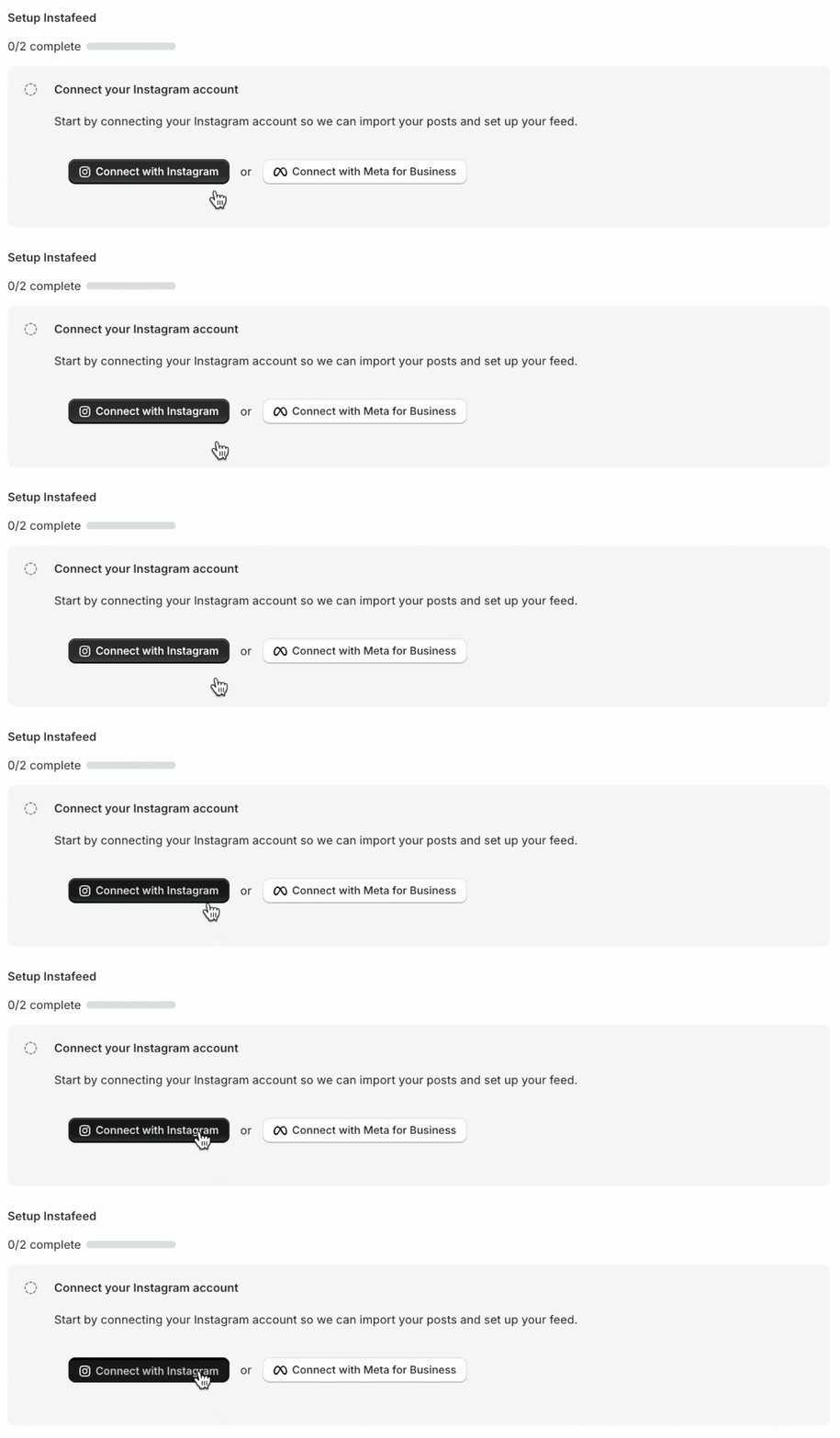
- When prompted, click Allow to give Instagram permission to connect.
Having trouble connecting your Instagram account?
Check the most common solutions.
Step 2 - Add Mintt Instafeed to your theme
- Click Add to theme.
- Select Homepage to display your feed there.
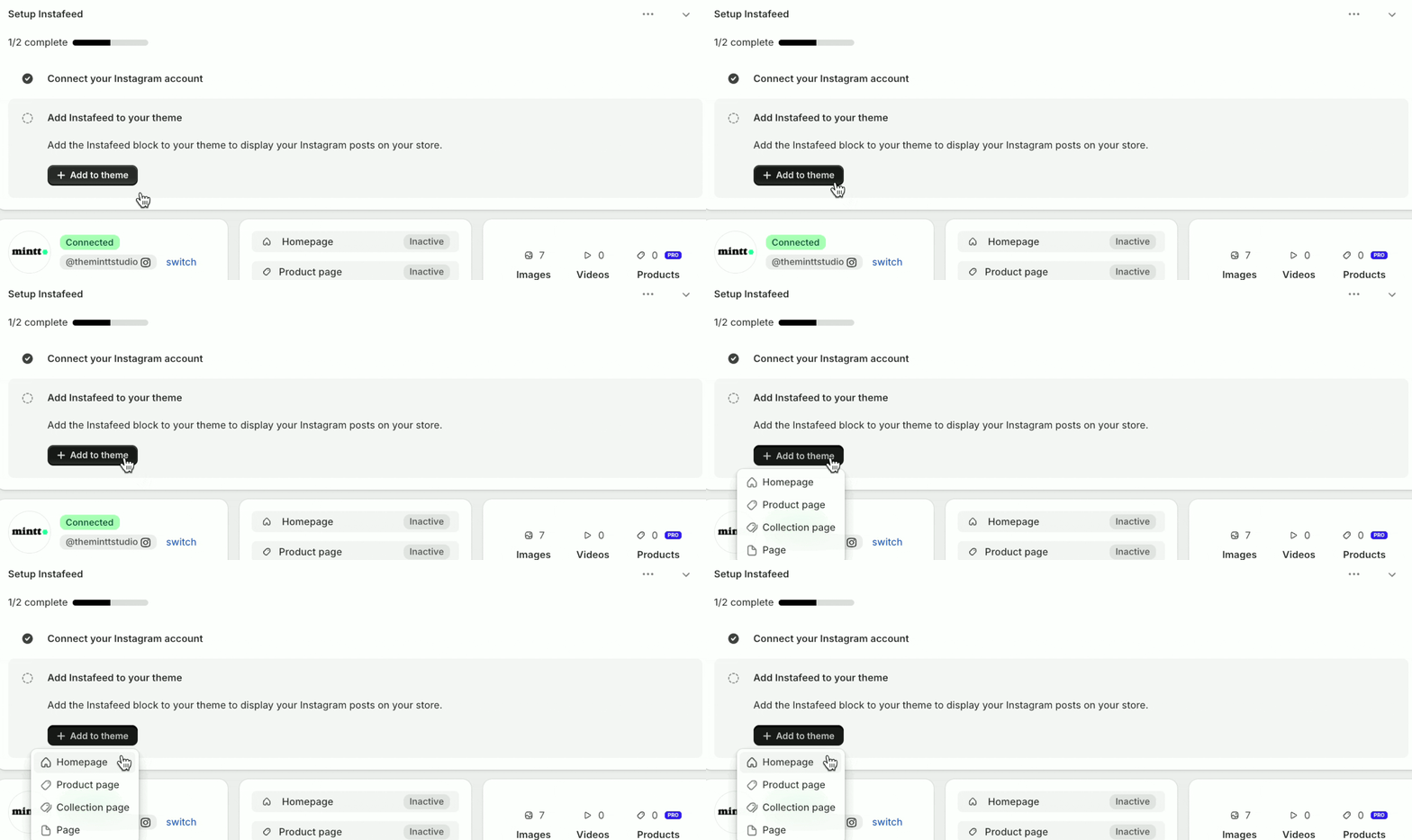
- Click Save to apply changes to your theme.
On a Shopify 2.0 theme, this app section loads the feed. The app embed is only for a legacy theme, or for a feed added by pasting HTML.
Can't see the Instafeed app section in your theme?
You are using a legacy theme, learn how to add Instafeed here