v20.0.0 is our 10-year anniversary release and the start of a new generation of Instafeed after months of work. Automated widgets apply a decade of learnings from more than 1,200,000 stores and build the details into high-converting templates, so you pick a layout and we handle the conversion-focused defaults. Also includes stronger Shopify Sidekick support and reliability improvements since v19.1.0.
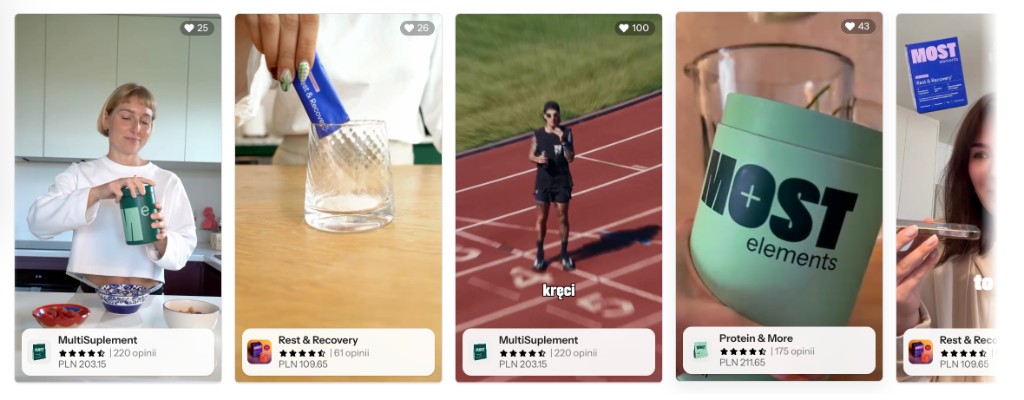
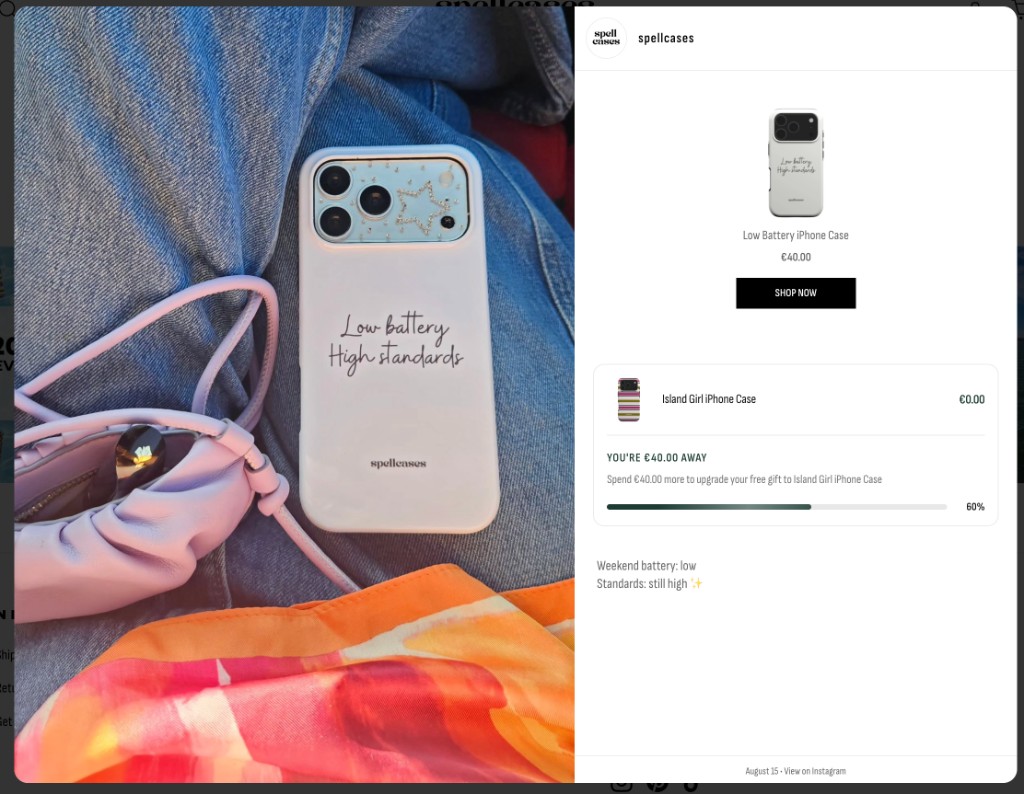
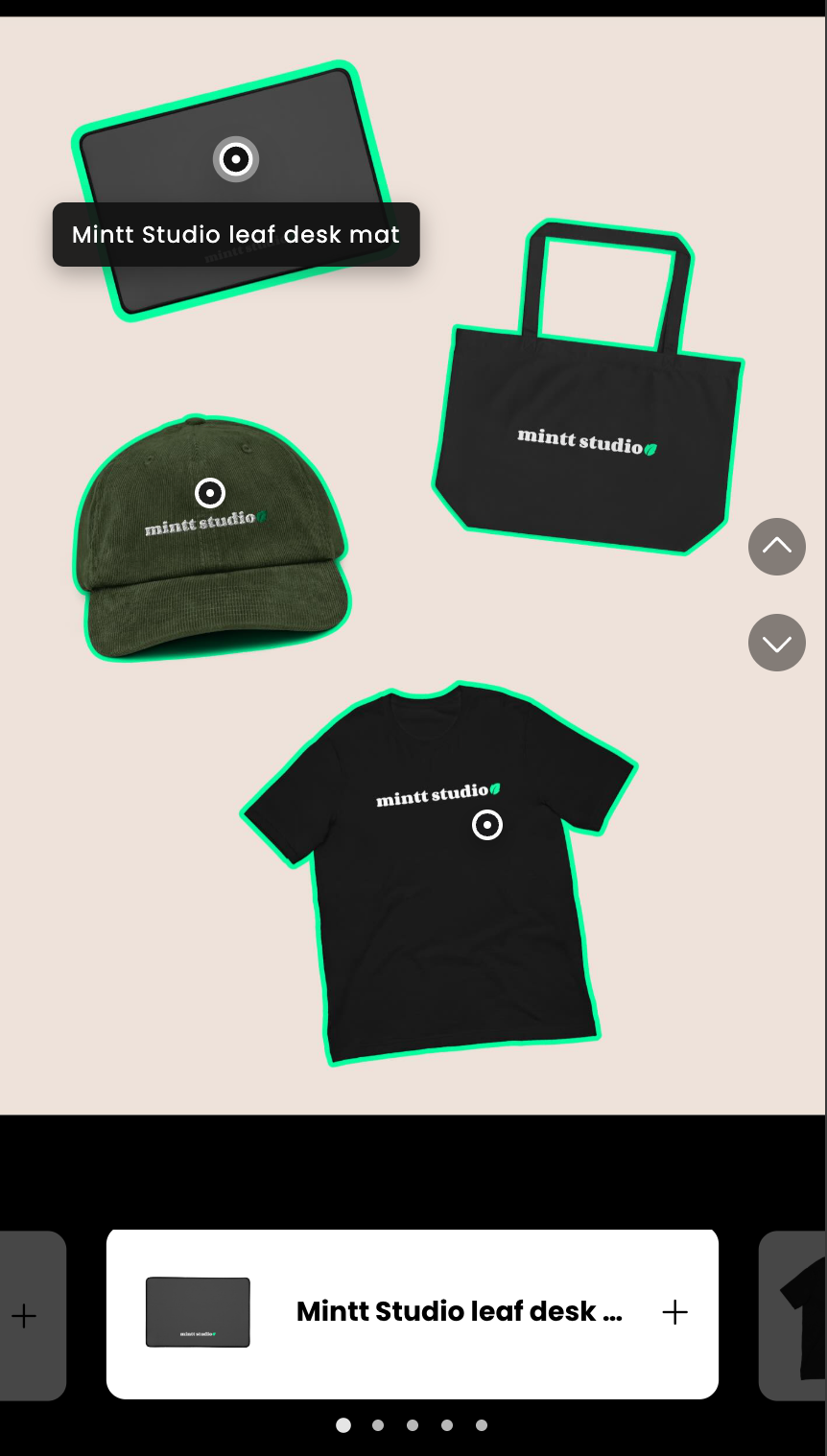
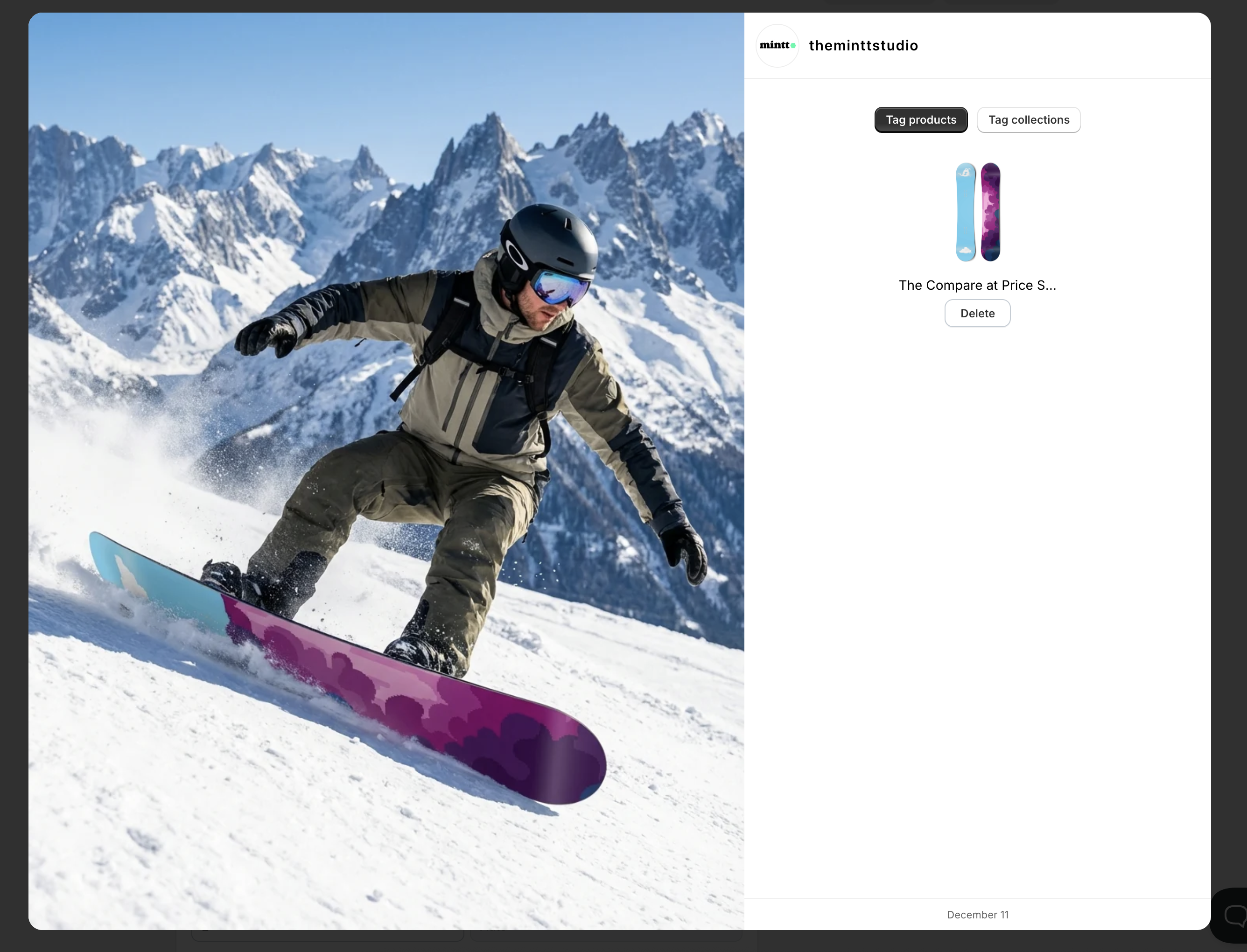
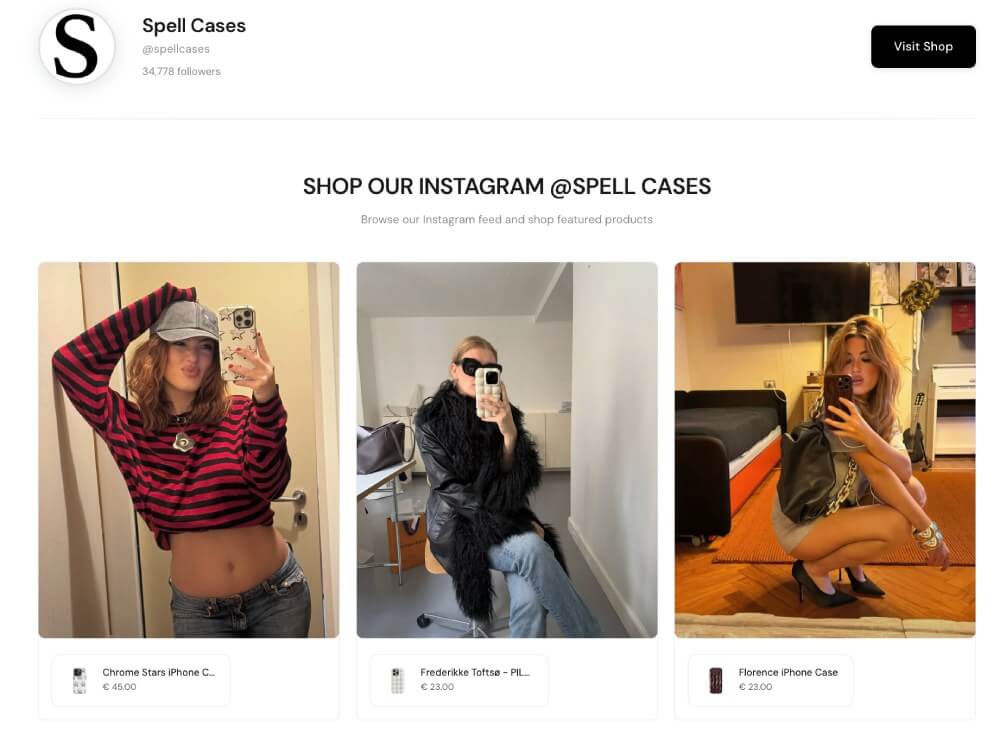
Automated widgets: Shoppable strip with product cards, ratings, and prices on each post.
New
- Automated widgets: conversion-focused layouts with curated defaults from our 10 years of feed performance across 1.2M+ stores. Change the layout in the Instafeed admin on your feed (Automated layouts), while keeping the same single Instafeed theme block. Classic grid and slider stay under Manual configuration.
Improvement
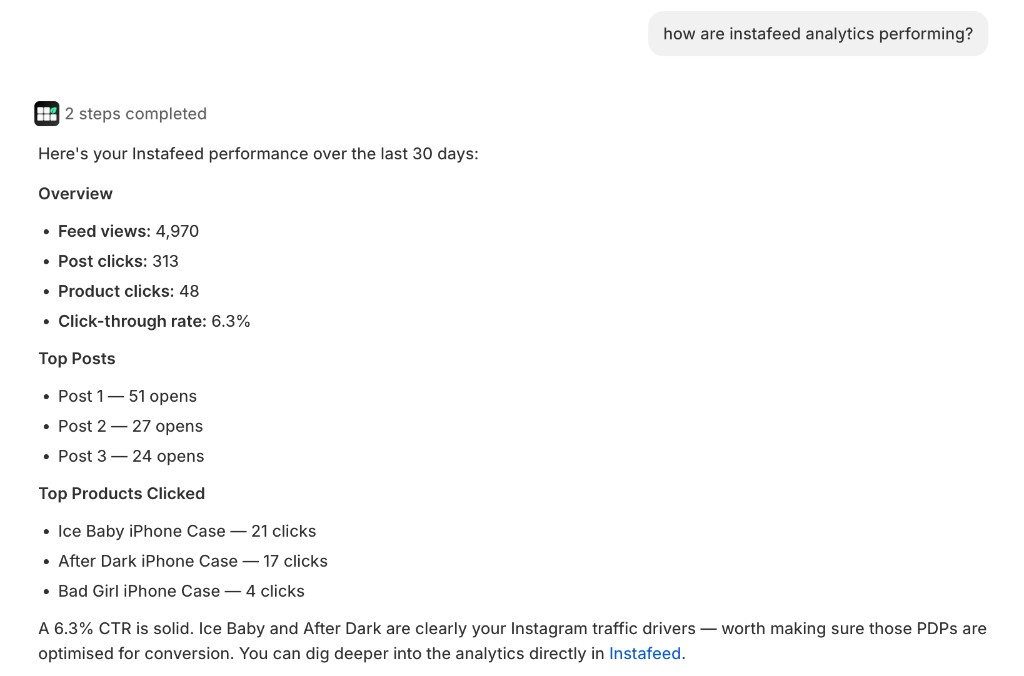
- Shopify Sidekick: expanded Instafeed’s Sidekick integration so merchants can get more help inside the Shopify admin.
- Free Gift × automated widgets: gift progress shows on shoppable, story, and masonry layouts (and in the shared post modal) when Mintt Free Gift is connected.
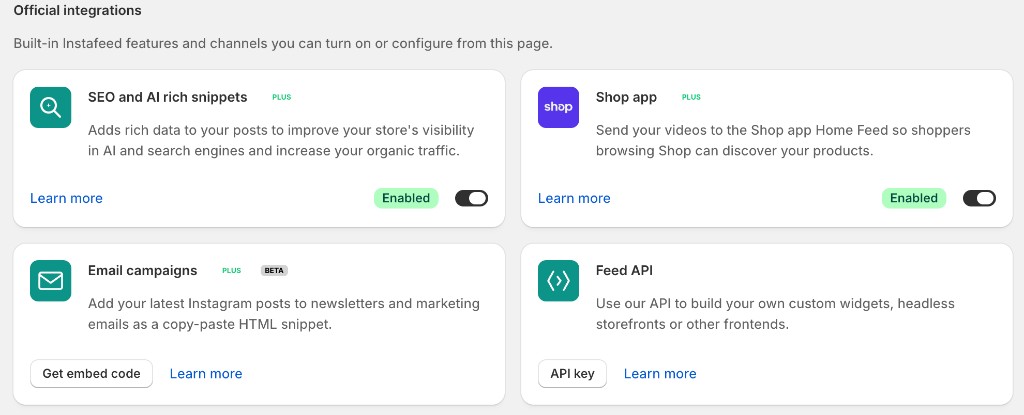
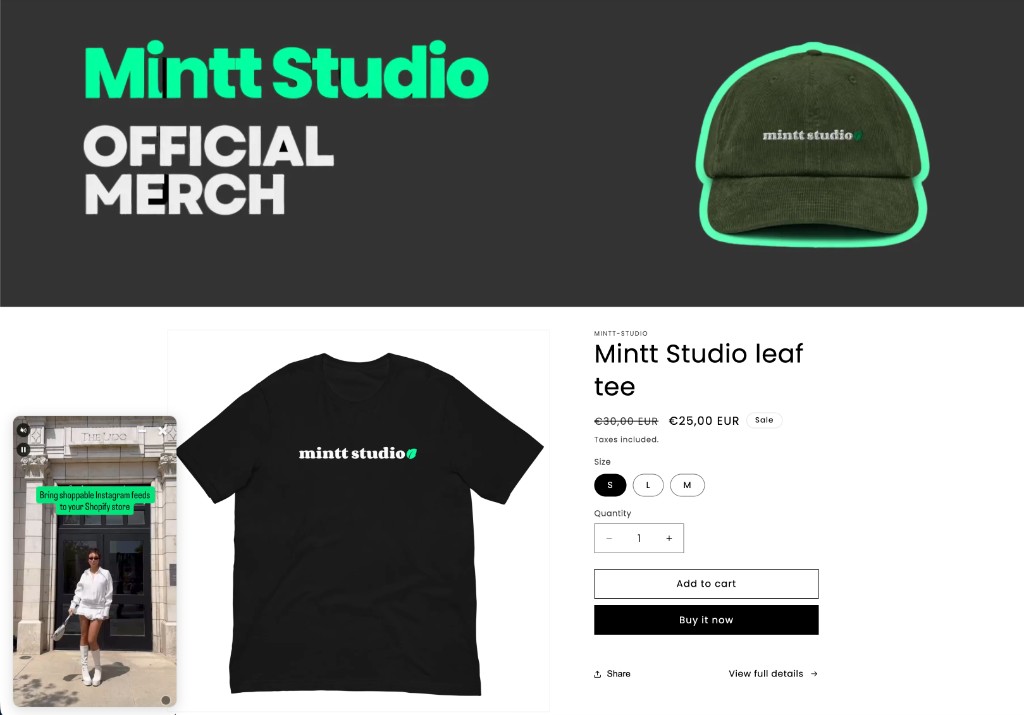
- Storefront performance & accessibility: automated widget media loads when near the viewport; carousels support pause for accessibility; Polish (PL) added to storefront languages; tagged author shown on the minimal popup.
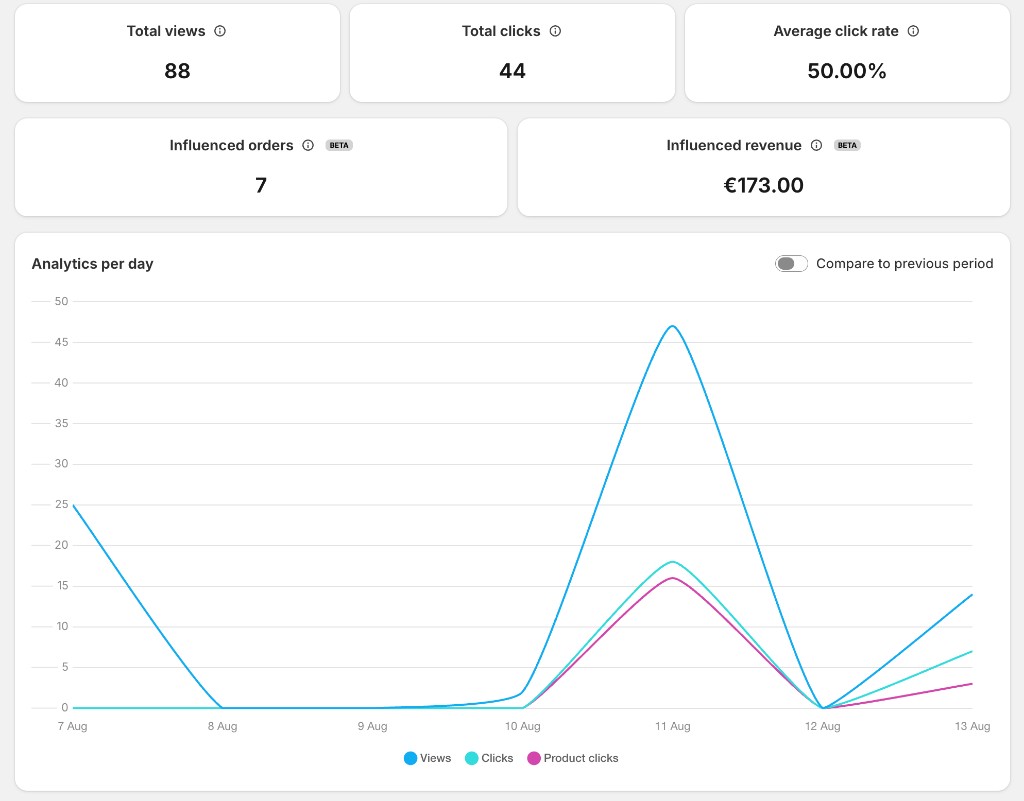
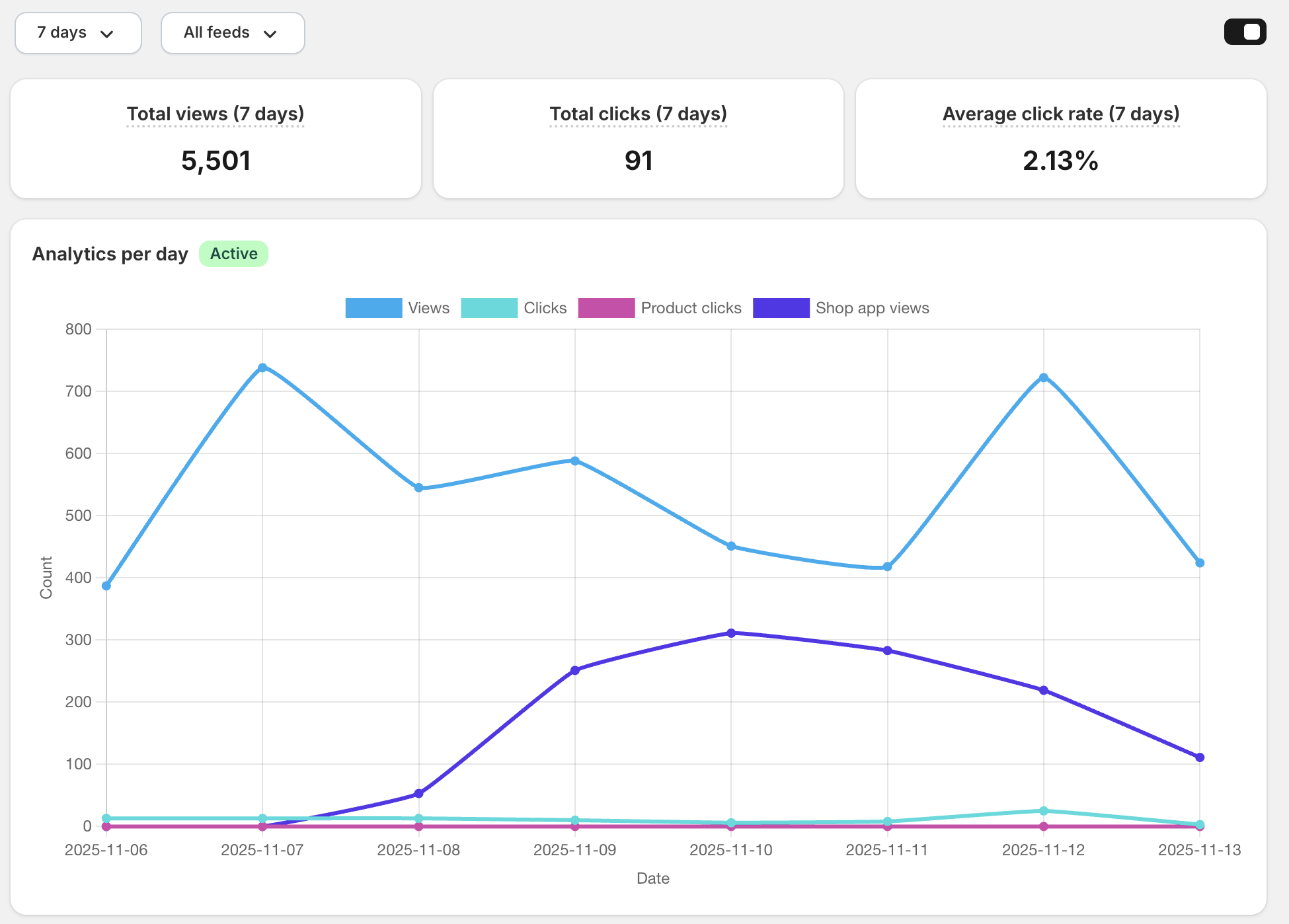
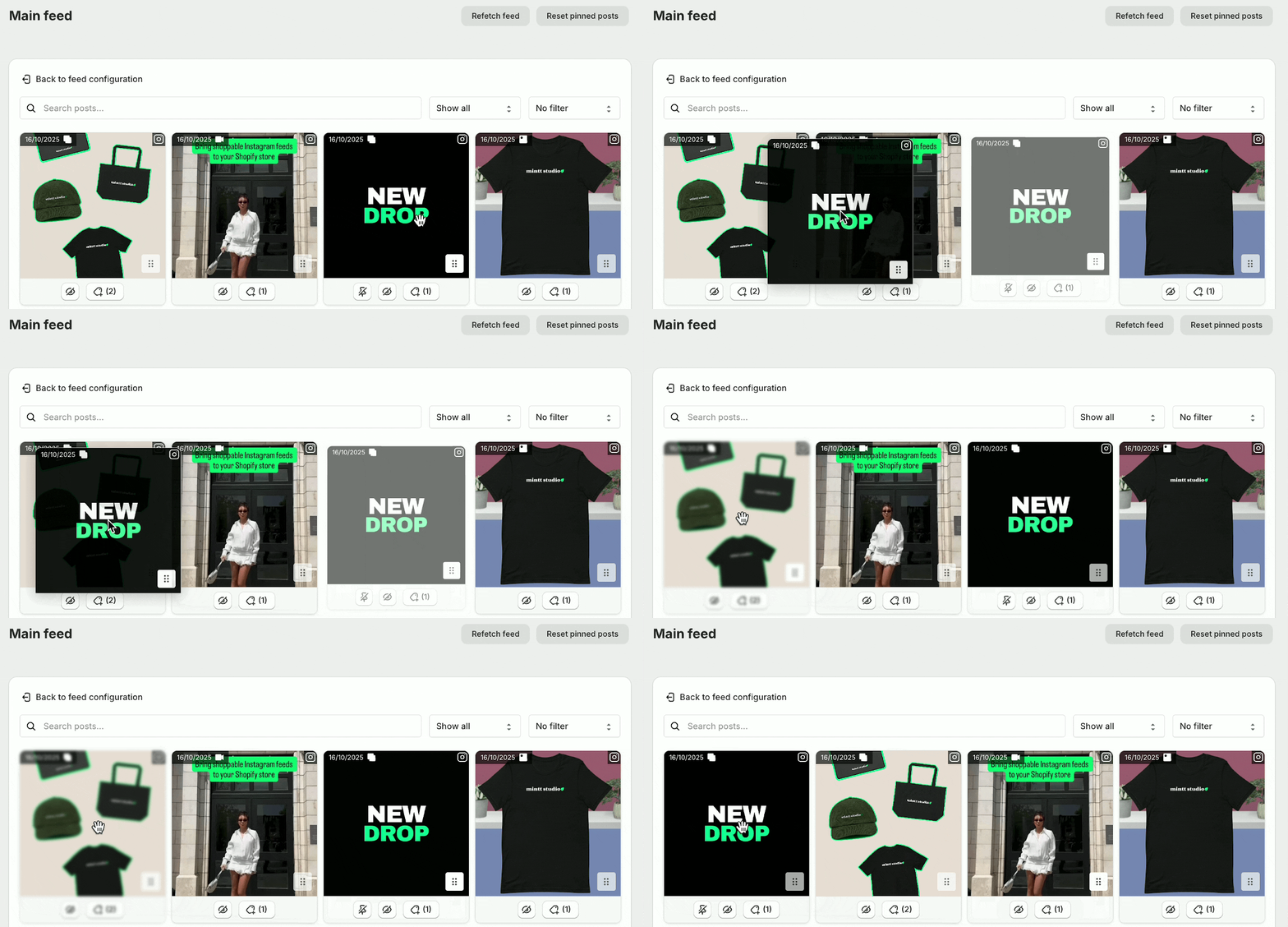
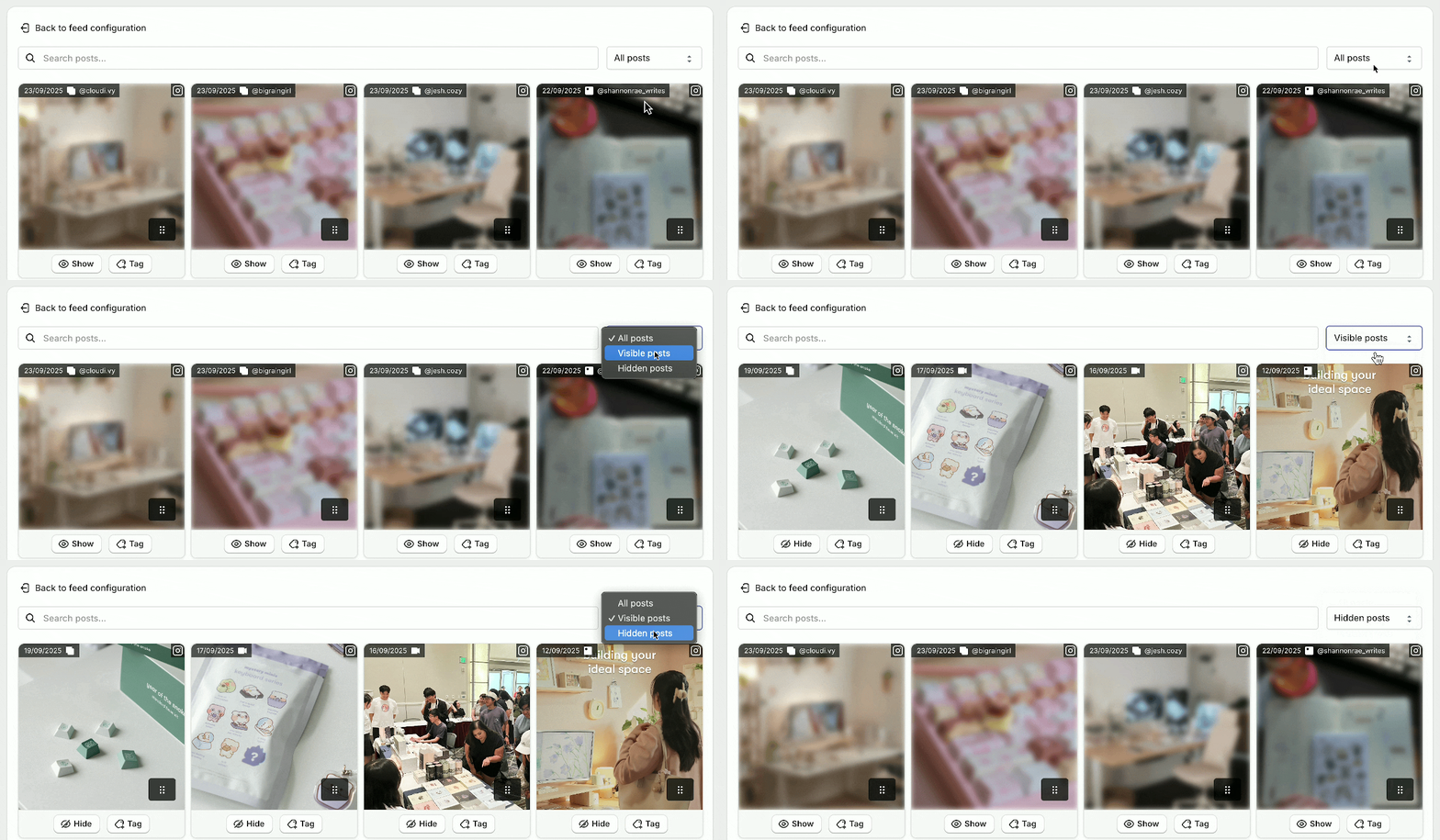
- Admin: overall redesign to match the new Shopify admin, with a cleaner look across home, settings, and analytics.
- Pro annual: annual Pro billing available for selected stores.
Fix
- Fixed storefront slider accessibility, autoscroll, and analytics feed attribution when opening posts.
- Fixed Instagram reconnect notification emails that could fire as false positives.
- Fixed Free Gift progress when a product image is missing, multi-gift title wrapping, FeedPop reliability, and several admin preview race conditions.
- Multiple small fixes across the admin and storefront since v19.1.0.